

Setup
Important Update: WhatsApp Marketing Templates Pause in the U.S. Starting April 1, 2025
1 min read Updated 16 March 2025
Starting April 1, 2025, Meta will pause the ability to send WhatsApp marketing template messages to U.S. phone numbers. Businesses can still send utility and authentication templates and respond within the 24-hour customer service window. This update does not affect marketing messages sent to other countries.What’s Changing & How to PrepareMeta is temporarily pausing marketing templates in the U.S. to optimize WhatsApp’s long-term growth strategy. While marketing messages will not be delivered, businesses can still engage customers using Utility Templates and Click-to-WhatsApp Ads.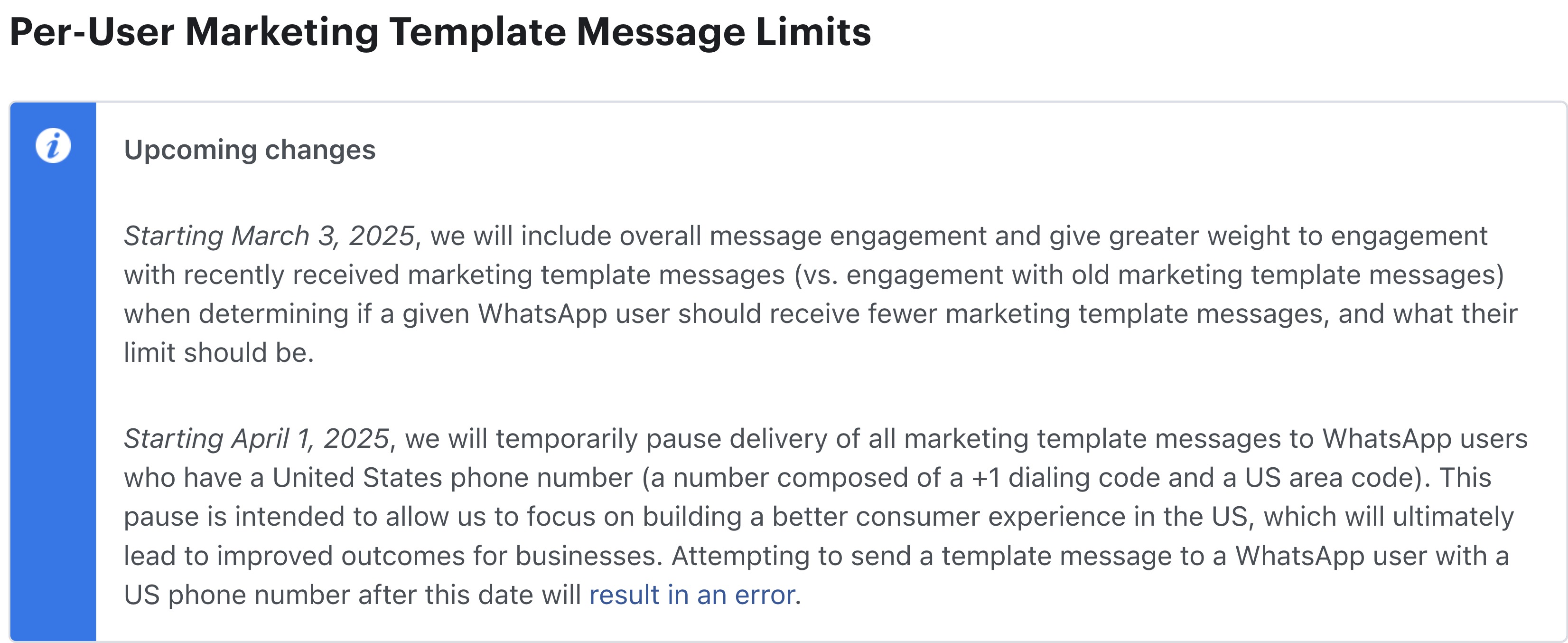 Introducing the AI-Powered Template MigratorTo help businesses adapt to this change, we will soon release an AI-driven WhatsApp Template Migrator that will allow you to convert existing marketing templates into utility templates while preserving variables and media. This will help maintain seamless messaging, lower costs, and higher delivery rates. Stay tuned for its launch!What You Should Do Next✅ Create Utility Templates, Transition critical messaging from marketing to utility templates to avoid disruptions.✅ Leverage Click-to-WhatsApp Ads, Engage customers through direct WhatsApp conversations triggered by ads.✅ Utilize the 24-Hour Customer Service Window, Maximize engagement with real-time responses.Key Dates to Remember• Pause Start Date: April 1, 2025• Pause End Date: TBD, Meta will reassess based on market engagement.Permitted WhatsApp Business Activities During the Pause✔ Utility Conversations, Order updates, appointment confirmations, transactional alerts.✔ Authentication Messages, One-time passwords, account verifications.✔ Service Conversations, Replies within the 24-hour customer service window.✔ Click-to-WhatsApp Ads, Drive customer interactions with targeted ad campaigns.We recommend reviewing and adjusting your messaging strategy now to ensure uninterrupted communication with your U.S.-based customers. Stay tuned for further updates and the upcoming release of our Template Migrator!Read More here
More in Setup
- How to Enable WhatsApp in your account?
- WhatsApp FAQs
- Marketing Opt-out Button to Your Message Template
- WhatsApp - Workflow Integration
- Important Update: : WhatsApp Marketing Messages to U.S. Numbers Paused Starting April 1, 2025
- WhatsApp 30 Days Free Subscription Trial Promotion
- WhatsApp Onboarding Failure: “Please create a new WhatsApp Business Account since a payment method already exists for the current WhatsApp Business Account”
- How to troubleshoot Failed to send OTP to verify Whatsapp number on the sub-account
- Whatsapp Error: Business account is restricted from messaging users in this country
- Whatsapp Error: Your WhatsApp Business account is locked. To unlock your account, visit Business Support Home
- Whatsapp Error : You have requested code too many times. Please try again later.
- WhatsApp Error: (#132000) Number of Parameters Does Not Match the Expected Number of Params